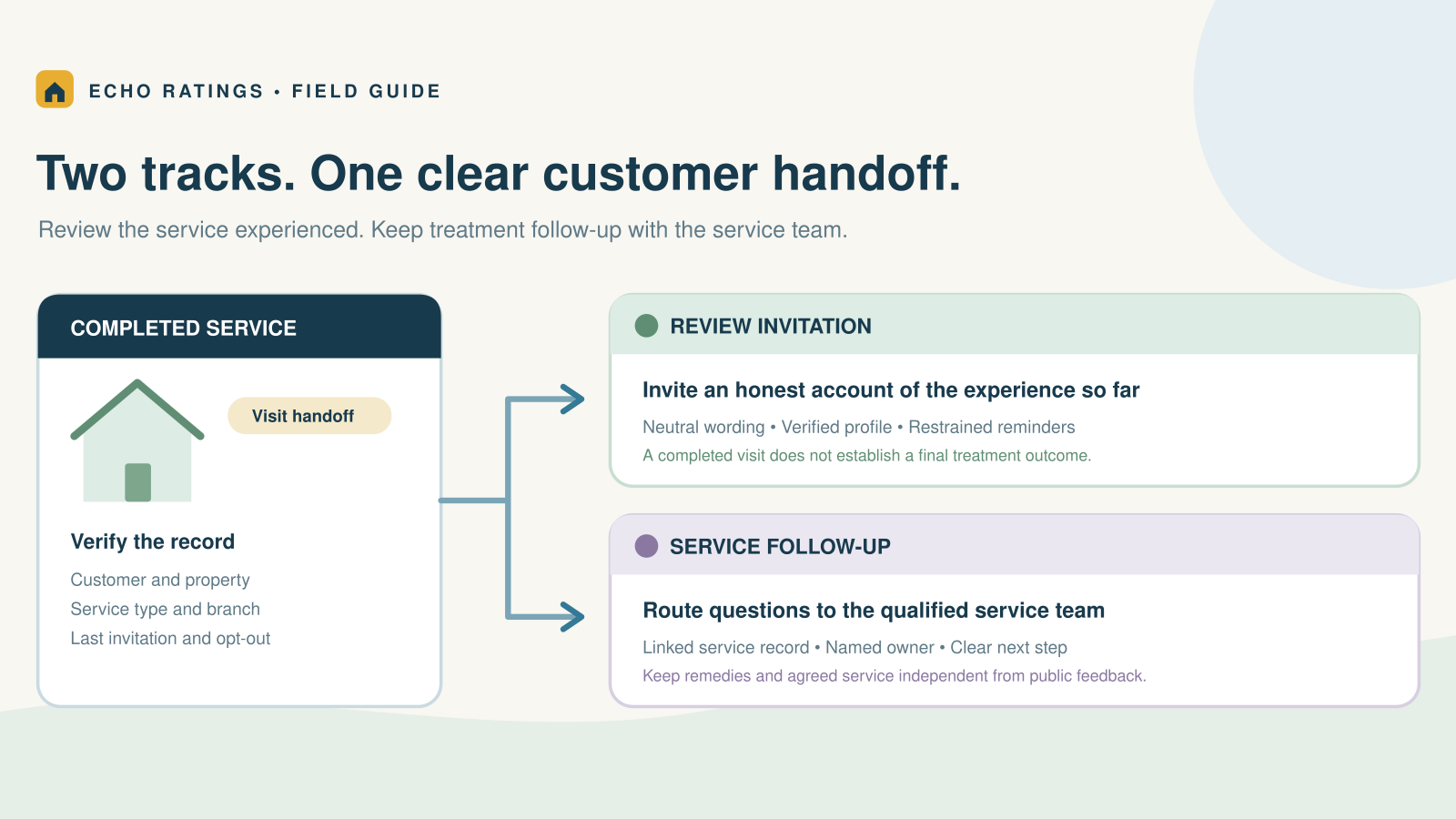

Google reviews can help local visibility, but they are one part of the picture
Yes, Google reviews can help local SEO. Google’s local-ranking guidance says review volume and positive ratings can help a business’s local ranking. That does not establish a review threshold for the top three results or guarantee that the contractor with the most reviews will appear first.
For a plumbing, HVAC, electrical, roofing, cleaning, or landscaping business, a useful review program has two goals: make it easy for genuine customers to share an honest experience, and help future customers evaluate the company. Treat search visibility as something to measure alongside that work, rather than a result you can promise after a fixed number of invitations.
This guide explains where reviews fit, which other tasks deserve attention, and how to evaluate the evidence. For the request process itself, start with the home-service Google review guide.
Where reviews fit in Google’s local-ranking factors
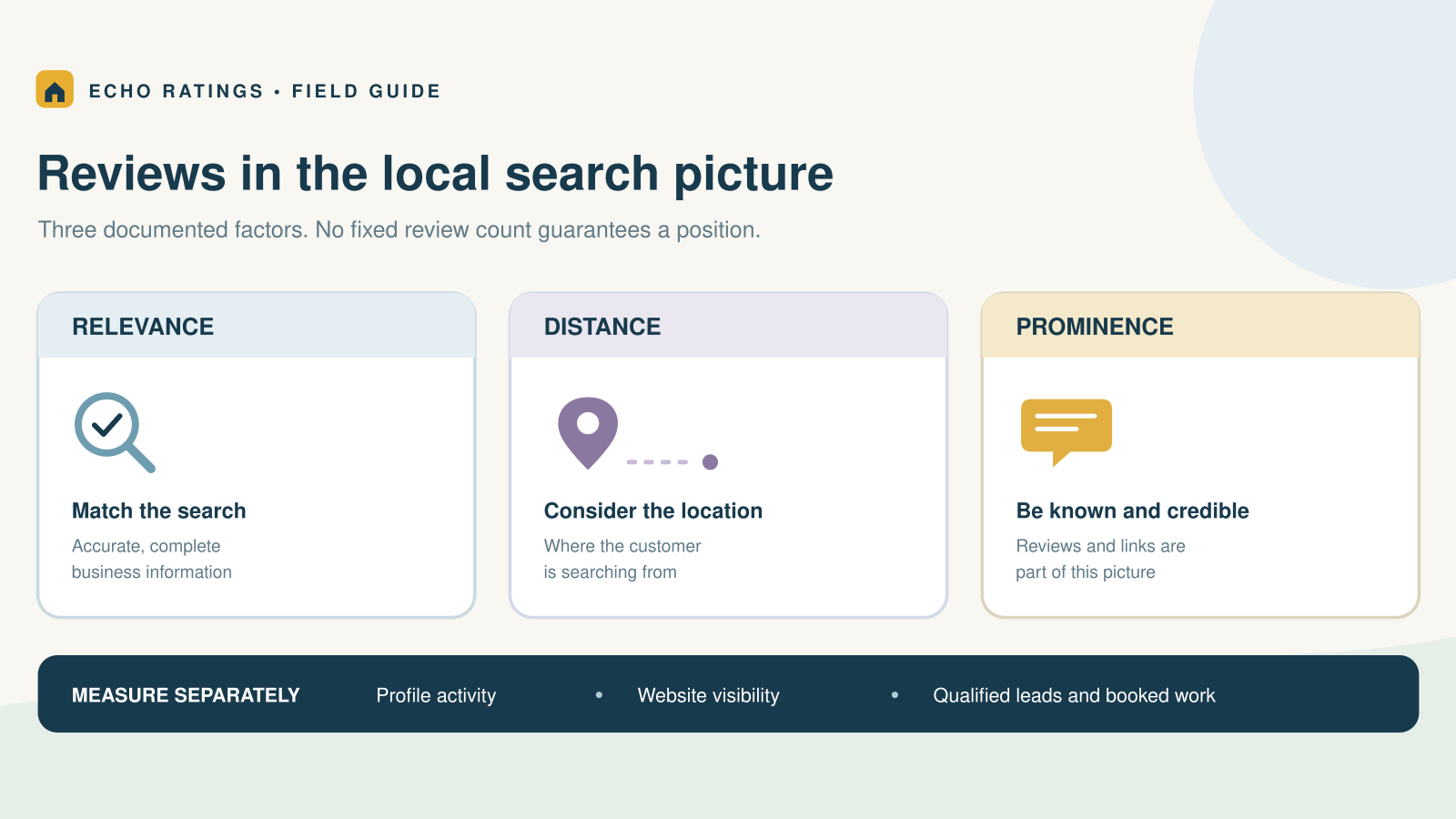
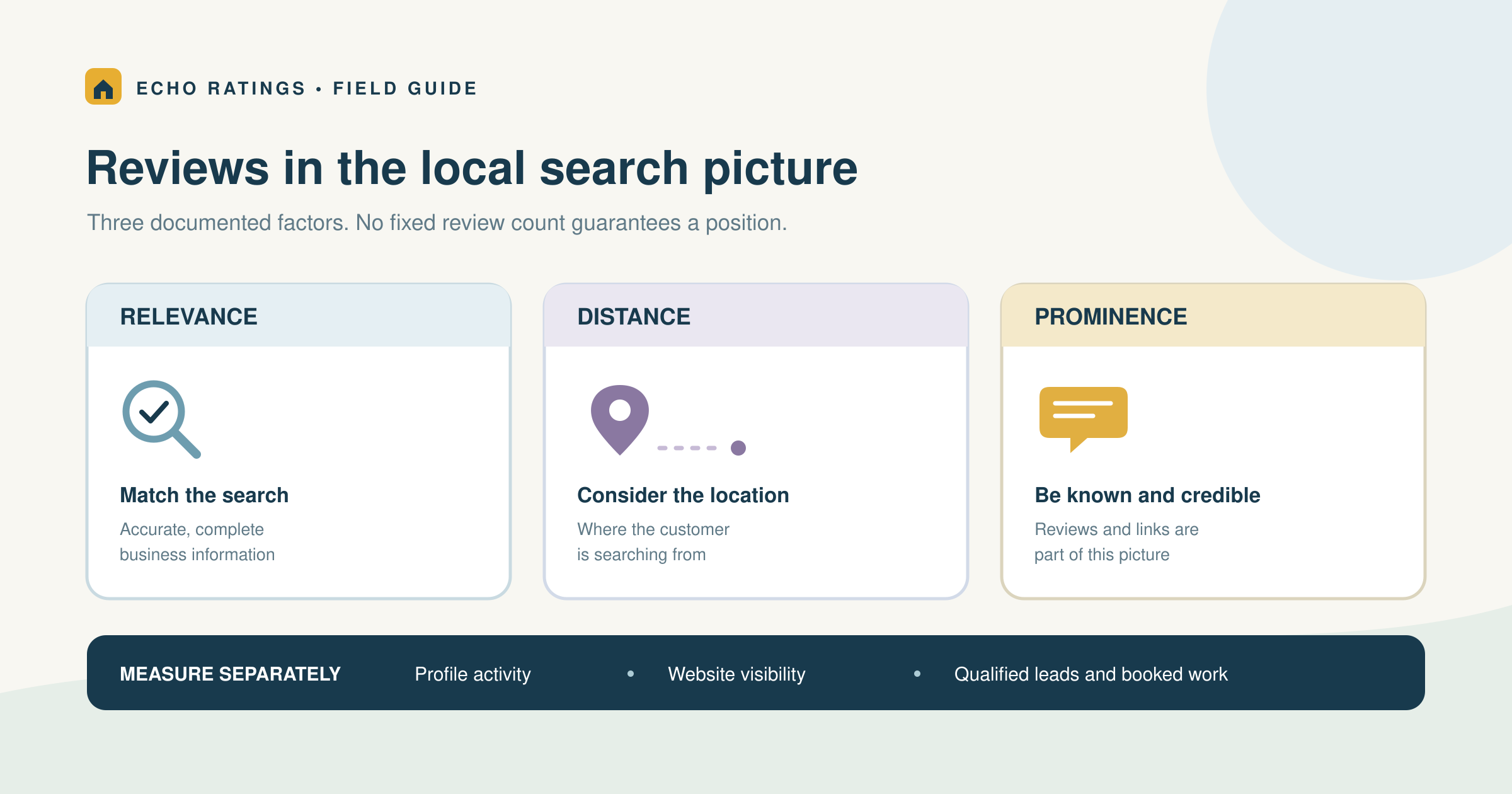
Google describes local results as mainly based on relevance, distance, and popularity, with its detailed heading calling the third factor prominence:
- Relevance: How closely the Business Profile matches the search.
- Distance: How far the business is from the searcher.
- Prominence: How well-known the business is, including information such as links and reviews.
Google keeps algorithm details confidential and says there is no way to request or pay for a better local ranking. It does not publish a percentage weight for reviews in that guidance.
Translate that into an operating decision
If the office is choosing between correcting an inaccurate phone number and sending a larger review campaign, fix the customer-information problem first. If a branch sends customers to another location’s review form, correct the routing. More invitations are not a substitute for an accurate business record and a usable customer path.
A homeowner searching from one neighborhood may see different results from someone farther away. Do not turn a single search on the owner’s phone into a company-wide ranking report. Record the query, place, time, and profile you checked, then use trend data to decide what needs investigation.
Your practical priority is consistency: accurate information, genuine customer feedback, a useful website, and a team that follows through on inquiries. A review count is a useful observation within that system, not a complete diagnosis of its performance.
Fix the business foundation before chasing a review target
Start with the information a customer needs to hire you: correct company name, phone number, hours, service details, website destination, and location information. Assign someone to review that record after a move, acquisition, new branch, or change in dispatch coverage.
Many home-service companies travel to the customer rather than receive visitors at an office. Google’s business-representation guidelines explain service-area profiles, address visibility, and which separate locations qualify. A rented mailing address or virtual office is not a shortcut to a legitimate extra profile.
Keep each job associated with the branch that actually served it, and use the appropriate verified review link. The multi-location review guide covers routing and local ownership.
Check the website handoff
Open the website from the Business Profile on a phone. Can a customer understand the services, confirm the coverage area, and find a clear call or inquiry action? Does the form submit successfully? Does someone answer the phone or return the inquiry? These are practical conversion checks; they are not a claim about a particular ranking factor.
Keep service descriptions accurate and useful. Do not claim a staffed office or completed project in a city where neither exists. Review the destination after a redesign so the profile does not send prospects to an old page or a broken booking form.
Earn reviews without turning SEO into pressure
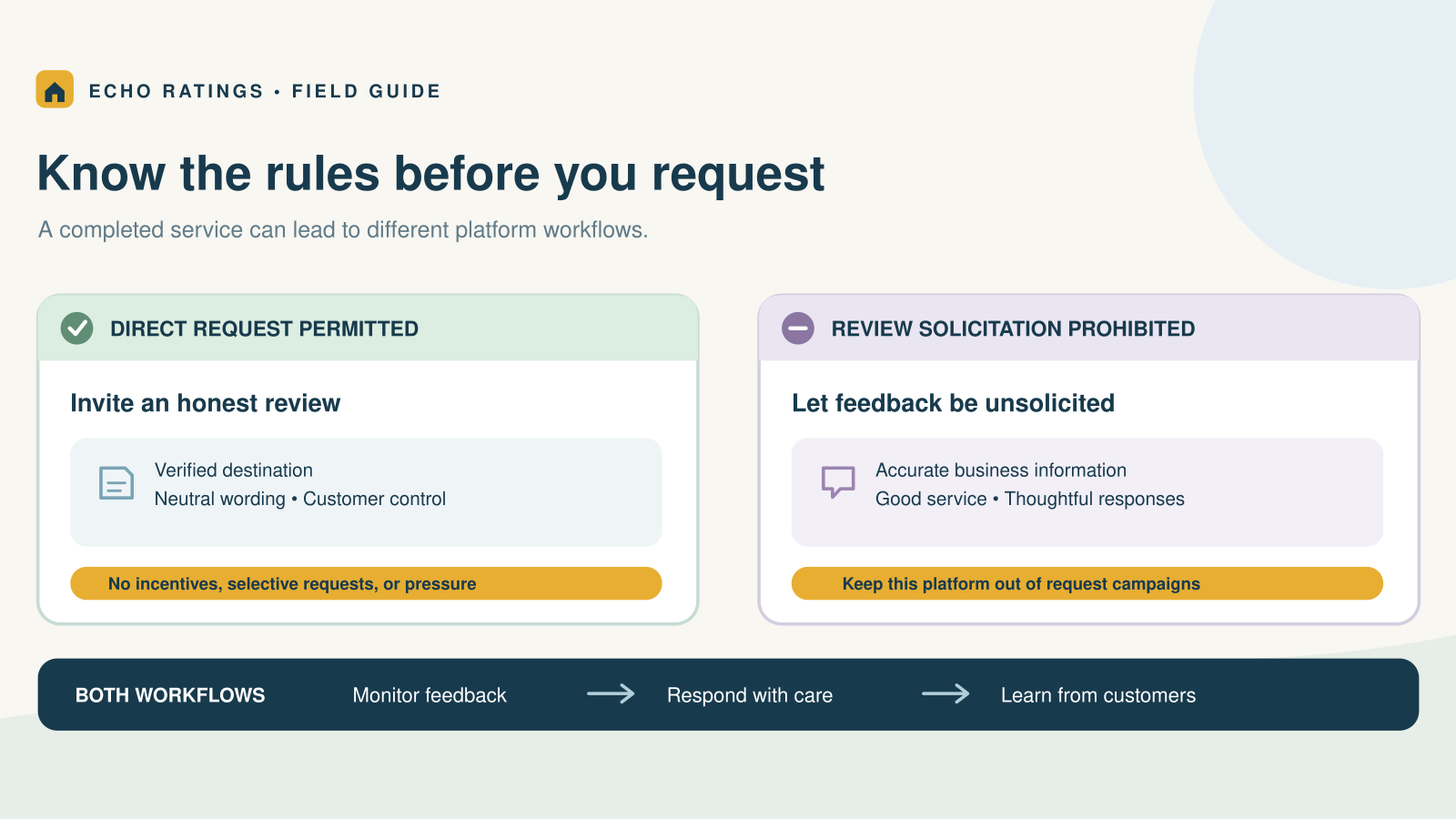
Ask eligible customers for their own honest account of completed work. Google’s content policy prohibits incentives, selective positive solicitation, pressure to review on the premises, and requests for specific content. Do not script a neighborhood, service keyword, or employee name for the customer to include.
Use a verified direct link from Google’s review-link instructions. Test it independently, then keep the invitation short and neutral. The Echo Ratings link guide and message templates provide practical examples.
Base eligibility on a genuine completed service, contact permission, opt-out status, correct profile, and a restrained customer-level frequency rule. Do not use a private-survey score to decide who gets the public link. See the review-gating guide before connecting a satisfaction survey to a campaign.
Keep platform rules separate. A Google invitation does not authorize a Yelp request; the Google and Yelp comparison explains that distinction.
Measure profile activity, website visibility, and booked work separately
A monthly scorecard should distinguish three types of evidence. Combining them into one “SEO score” can hide whether the problem is discovery, contact, or follow-through.
1. Business Profile activity
Google’s Business Profile performance documentation defines available metrics such as profile views, search terms, calls, and website clicks. Its calls metric counts clicks on the profile’s call button; it is not a count of answered calls or booked jobs. Website clicks count clicks on the profile’s website link. Review which metrics are available for your profile and keep their definitions with the report.
Google says this performance data includes activity from both organic results and Google Ads. Keep that scope visible when comparing it with ad reports or describing an organic-search result; do not assign all profile activity to unpaid discovery.
Record these alongside new reviews, response coverage, and known profile changes. For multiple branches, keep separate rows rather than averaging away a routing error at one location.
2. Website search performance
Search Console reports impressions and clicks for links to your website, plus average position for Google Search results. Google’s metric definitions explain that position is averaged across observed impressions. Do not label that average as a fixed Maps rank.
Look at relevant service pages and queries rather than only the whole site. Separate searches for the company name from broader service searches where practical. A growing number of branded searches and a growing number of non-branded service searches describe different patterns worth investigating.
3. Qualified inquiries and booked work
Use your own phone, form, and CRM records to track whether inquiries were answered, qualified, and booked. Define what counts as a qualified lead. Record source information where it is available, and mark uncertain attribution as uncertain instead of guessing.
Review software can help organize request activity and customer feedback. It cannot establish, by itself, that a review caused a particular ranking change or job. Keep the source and limitation of each metric visible.
Compare trends without claiming causation
Choose consistent reporting periods and annotate changes: a profile edit, website launch, new service, staffing gap, paid campaign, or seasonal demand shift. Compare a recent period with a similar prior period, and use year-over-year context when it is useful and available.
If reviews, profile interactions, and booked jobs rise together, describe the observed pattern. Do not assign the full increase to reviews unless your analysis supports that conclusion. An HVAC company entering a busy weather period has a different context from a branch testing a new request process during steady demand.
Keep a small change log
For each change, record the date, branch, person responsible, and the intended result. A request-workflow change might aim to reduce missed invitations; a website-form repair might aim to reduce lost inquiries. Decide which operational measure would confirm that the fix worked before comparing broad search trends.
Save the original report periods and definitions so next month’s reviewer can reproduce the comparison. If the agency changes its report or a platform changes a metric, note the break in the series. A tidy chart is less useful than a record that explains what its numbers mean.
If a review count suddenly drops, investigate the platform issue before changing the campaign. The missing-review troubleshooting guide provides the checks and evidence to collect.
Do not confuse website review widgets with search-result stars
A review widget may help a visitor evaluate your business, but it does not guarantee star ratings beside your website in Google Search. Google’s review-snippet guidelines make pages using LocalBusiness or Organization markup ineligible for the star review feature when the reviewed entity controls the reviews about itself. Its example includes embedded third-party review widgets.
Evaluate website testimonials on accuracy, permission, context, and usefulness. Do not sell a widget internally as a guaranteed search enhancement. The guide to displaying reviews credibly explains the content side.
Use a monthly review that ends with an action
Keep the meeting small enough for an owner and office manager to repeat:
- Profile check: Confirm business details, phone, hours, website destination, and branch routing.
- Request check: Compare eligible completed customers with invitations, holds, duplicates, and opt-outs.
- Feedback check: Read recurring service themes and assign unresolved concerns.
- Visibility check: Review profile activity and website impressions and clicks with their definitions.
- Sales check: Compare qualified inquiries, response handling, and booked work.
- Decision: Name one problem, one owner, and the evidence that will show whether the fix helped.
For example, an illustrative plumbing branch might find that website clicks are steady but form inquiries have fallen since a redesign. Test the form and destination before concluding that it needs more reviews. A different branch might find that duplicate requests annoy repeat customers; fix the frequency rule. These are proposed diagnostic examples, not customer case studies or claims of results.
If you need better process tracking, the automation guide and contractor software checklist can help you evaluate triggers, permissions, reporting, and stop conditions.
Frequently asked questions
How many reviews do I need to rank first?
Google does not publish a universal threshold in its local-ranking guidance. Review count alone cannot explain the result for every query and location.
Should I ask customers to include service and city keywords?
No. Let customers describe their own experience. Google’s policy bars requests for specific review content.
Will replying to every review guarantee better rankings?
No. Write replies because they can acknowledge feedback and help customers. Do not attach a guaranteed ranking outcome to response volume. The response guide covers useful replies and escalation.
Can a business with fewer reviews appear above mine?
Yes. Review volume is only part of the picture. Check the actual query, location, profile, and other evidence before diagnosing the difference.
Build a review process you can measure honestly
Use accurate business information, consistent invitations to eligible customers, thoughtful responses, and separate measures of visibility and booked work. Explore Echo Ratings to organize review requests, monitoring, and responses. Compare pricing, run a free reputation audit, start a trial, or talk with the team.
This article provides general operational information, not legal advice. Check current platform, privacy, and messaging requirements for your business.