
Reputation software should fit the way contractors actually work
Reputation management software for contractors should do more than display a rating in a dashboard. It should turn a completed job into a consistent, trackable customer-feedback workflow without adding another manual task for technicians, dispatchers, or office staff.
The best starting point is the job lifecycle. A home-service company usually has a clear operational event—such as a completed repair, closed work order, paid invoice, or finished installation—that can trigger a neutral review request. The software should recognize that event, apply documented eligibility rules, send the right message for the right location, stop at the right time, and show the team what happened.
That is different from buying the platform with the longest feature list. A contractor with one location and a small office may need dependable request automation, an organized review inbox, and simple reporting. A multi-location operator may also need location permissions, routing rules, brand controls, and roll-up analytics. The right system is the one your team can operate consistently.
If your process is still informal, start with our home-service Google review guide and then map the workflow before comparing vendors.
Begin with four operating questions
What event should start the request?
Choose an objective milestone that exists in your field-service, CRM, point-of-sale, or scheduling system. Avoid triggers that depend on whether a technician thinks the customer is happy. Our guide to automating review requests after a service call explains practical triggers, delays, reminders, and stop conditions.
Who owns each step?
Decide who manages integrations, approves templates, handles replies, receives escalations, and reviews reports. Software cannot compensate for an unclear owner. It should make ownership visible through roles, alerts, assignments, and history.
Which locations and platforms matter?
List every Google Business Profile and any other review destination you actively manage. Confirm that the software can connect each location to the correct link, users, templates, and reporting. A request sent to the wrong profile creates confusion and weakens location-level measurement.
What does success mean?
Use process measures you can control: eligible jobs, request delivery, click activity where available, review volume, response coverage, response time, unresolved issues, and workflow errors. A vendor should not promise a specific rating, ranking, or number of favorable reviews.
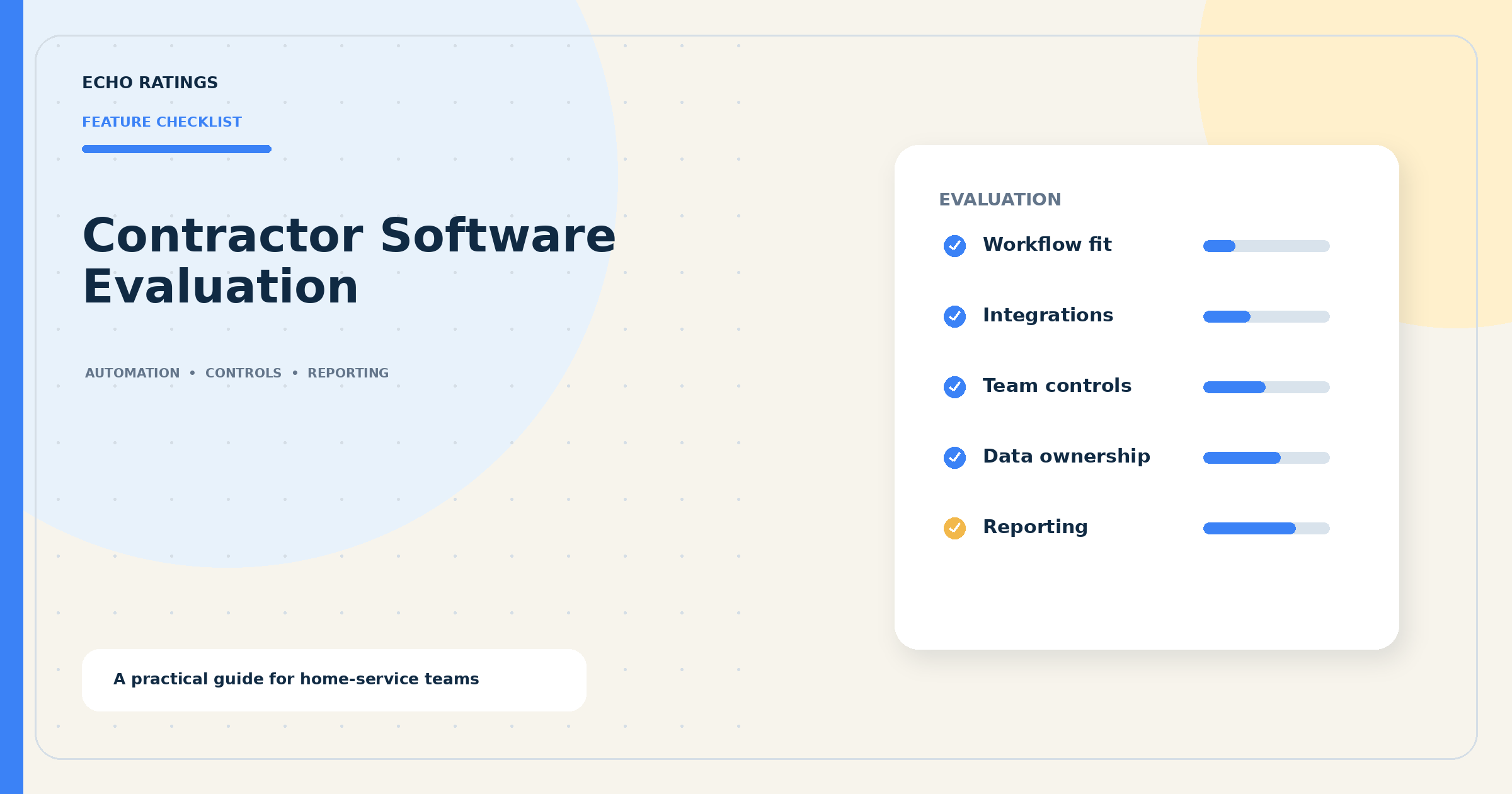
Eight features to evaluate before you buy
1. Event-based request automation
Look for triggers tied to real job data, configurable delays, duplicate suppression, delivery tracking, limited reminders, and clear stop rules. The workflow should handle cancellations, invalid contacts, repeat visits, warranty calls, and opt-outs without requiring a spreadsheet cleanup every week.
2. Accurate location and review-link management
Each branch should use its own verified destination. Administrators should be able to test links, assign them to templates, and prevent a technician or manager from accidentally changing the company-wide setup. Google says businesses may share a review link or QR code, and it recommends valuing honest, balanced feedback. See Google’s current review-request guidance and our review link and QR-code walkthrough.
3. Policy-conscious eligibility controls
The system should apply the same objective rule to every eligible customer rather than route only predicted promoters to a public review page. Google’s Maps content policy prohibits incentives for reviews, discouraging negative reviews, and selectively soliciting positive reviews. It allows merchants to encourage genuine reviews when they do not influence the rating or requested content.
Ask the vendor to demonstrate every branch in the request flow. A private feedback option can support service recovery, but it should not replace or hide the public-review option based on sentiment. Use this policy checkpoint as part of the vendor evaluation.
4. Flexible messages with sensible safeguards
You should be able to create service- and location-appropriate templates, preview them on mobile, control send windows, and keep the request neutral. Strong software also supports approved template libraries, change history, opt-out language, and suppression rules. Start with these Google review request templates for home-service businesses.
5. Central monitoring and assignment
A usable inbox should help staff see new reviews, filter by location and rating, assign follow-up, add internal notes, and distinguish a public response from a private service ticket. Alerts need enough context to be useful without notifying every person about every review.
6. Response assistance with human control
AI can help prepare a draft, but the system should not invent job details, disclose customer information, admit liability, or auto-post sensitive replies without review. Google says replies are public, recommends professional and relevant responses, and advises businesses to move complex issues to a private channel. Review its current response guidance and our guide to responding to negative home-service reviews.
7. Roles, audit history, and data controls
Owners, regional managers, office staff, and agencies should not automatically receive the same permissions. Look for role-based access, login protections, a record of message and reply changes, user removal, and a practical data-export process. Ask what happens to your history if you cancel.
8. Reporting that leads to action
Useful reporting connects activity to locations and operating periods. It should reveal missed triggers, slow responses, recurring complaints, uneven adoption, and changes in review volume without presenting correlation as proof of revenue or ranking gains.
Use a structured contractor software evaluation
A polished demo can hide workflow gaps. Give every vendor the same sample scenario and score the result. Include one completed job, one cancellation, one repeat customer, one invalid phone number, one complaint, and two business locations. Ask the vendor to show exactly what the customer receives and what the team sees.
Integration and trigger questions
- Which systems can start a request, and is the connection native, partner-built, or custom?
- Which field controls eligibility: job status, invoice status, appointment type, location, or another event?
- How often does data sync, and what happens when a sync fails?
- Can the system prevent duplicate requests across callbacks or multiple invoices?
- Can administrators test the workflow without contacting a real customer?
Contractors with different operating models should test their own edge cases. An HVAC company may want a maintenance visit to behave differently from an emergency replacement. A plumbing company may need clear rules for callbacks and multi-day projects. See our focused guides for HVAC review workflows and a consistent plumber review request system.
Messaging and customer-choice questions
- Can templates request an honest review without asking for a particular rating?
- Are public and private feedback options kept available under consistent rules?
- Can the team control delays, quiet hours, reminders, and opt-out suppression?
- Can each location use the correct review destination and contact details?
- Does the history show which template and rule produced each message?
Inbox and response questions
- Can reviews be filtered, assigned, tagged, and escalated?
- Can a manager require approval for low ratings, safety issues, legal threats, or employee allegations?
- Does AI draft from verified context, and can automatic posting be disabled?
- Can the team track whether a customer concern received private follow-up?
- Can managers measure response coverage and response time by location?
Security, ownership, and support questions
- What user roles are available, and who can change integrations or publish replies?
- Is there an audit trail for users, templates, routing rules, and responses?
- What customer data is stored, for how long, and for what purpose?
- Can you export contacts, messages, reviews, replies, and reporting history?
- How are platform changes, failed connections, and support incidents communicated?
Watch for red flags
Be cautious when a vendor promises guaranteed five-star reviews, automatic removal of legitimate criticism, a specific local ranking, or effortless results with no process changes. Also investigate workflows that screen customers by predicted sentiment, encourage employees to hit favorable-review quotas, or make it difficult to see exclusions and routing logic.
The Federal Trade Commission says reputation management companies are not immune from liability under its Consumer Reviews and Testimonials Rule. Its current rule Q&A addresses fake reviews, sentiment-conditioned incentives, and review suppression. This article provides general operational information, not legal advice; obtain qualified counsel for questions about messaging consent, privacy, contracts, or a specific campaign.
Run a controlled 30-day pilot
Week 1: Map the baseline
Document locations, profile links, average weekly completed jobs, current review volume, response coverage, response time, active templates, exclusions, and owners. Clean duplicate locations and confirm that each review link opens the intended profile. Do not judge the software against an undocumented starting point.
Week 2: Test one workflow
Start with one location or service line. Use one objective completion event, one neutral request, and one limited reminder. Test successful delivery as well as cancellations, duplicates, missing contact information, opt-outs, and integration failures. Keep a manual record during the pilot so you can compare expected and actual behavior.
Week 3: Build the response process
Define which reviews can receive a routine approved response and which require manager review. Set escalation rules for safety concerns, threats, discrimination claims, refund disputes, employee allegations, and sensitive personal information. Give every escalation an owner and a response target.
Week 4: Review evidence and decide
Compare eligible jobs with requests sent, investigate gaps, sample message quality, check location routing, inspect opt-out handling, and review every user’s permissions. Ask office staff and managers how much manual work remains. Then decide whether to expand, adjust, or stop.
Compare total operating fit, not just monthly price
The quoted subscription is only one part of cost. Include setup, integration work, additional locations, message usage, onboarding, staff time, support, data migration, and the cost of replacing the system later. A lower-priced platform can become expensive if the office must repair failed syncs or manage requests manually. A larger platform can be wasteful if the team uses only a small part of it.
Ask for a written scope that identifies included locations, users, channels, integrations, support, data retention, export options, and renewal terms. Use a pilot with acceptance criteria instead of relying only on a sales demonstration.
Choose the simplest system your team can run consistently
For most contractors, the core requirements are straightforward: trigger requests from real service events, invite honest feedback under consistent rules, monitor reviews in one place, respond with human oversight, and give managers enough visibility to improve the process.
Explore the Echo Ratings product to see a practical review-management workflow, compare pricing, or run a free reputation audit to establish your starting point. If you want to discuss your locations, service workflow, or integration needs, contact Echo Ratings.