
Why plumbers need a review-request system—not occasional asks
Plumbing work creates plenty of moments when a customer may be willing to share feedback: a stopped leak, restored hot water, a cleared drain, or a completed installation. The problem is that those moments happen inside a fast-moving operation. Technicians are heading to the next call, dispatch is reshuffling the schedule, and the office is handling invoices and emergencies. If asking for a review depends on someone remembering, the process will be inconsistent.
A plumber review request system turns the request into a normal job-closeout step. It defines which customers receive a request, when it goes out, who owns the handoff, when a reminder is appropriate, and when messaging must stop. The goal is not to manufacture positive ratings. It is to give every eligible customer a simple, neutral opportunity to describe a genuine service experience.
For a broader foundation, start with our guide to getting more Google reviews for a home-service business. The plumbing workflow below translates those principles into the realities of dispatch-driven service.
Define “job complete” before choosing a trigger
The best trigger is not “invoice created” or “technician left.” It is the point when the customer reasonably understands that the promised work is complete. That point changes by job type.
Emergency and same-day repairs
Send the request only after service has been restored, the technician has explained the work, and the job is closed in the system. A customer dealing with an active leak, sewage backup, or loss of water does not need a review request while the problem is unresolved.
Scheduled repairs and maintenance
For a drain cleaning, fixture replacement, inspection, or routine service, a request can usually follow shortly after the completed-job status. A short delay gives the customer time to confirm that the repair is working without letting the experience become distant.
Installations and multi-visit projects
For a water heater installation, repipe, remodel, or work requiring permits or return visits, trigger the request after the final walkthrough—not after the first invoice or deposit. If multiple technicians worked on the job, the request should still come from the company rather than from one employee’s personal number.
Callbacks and warranty work
If a customer reports that the original issue continues, pause the review request. Resume only after the concern is resolved and the job is closed again. This is a service-recovery rule, not a sentiment filter: customers should not be selected or excluded based on whether the office predicts a positive review.
Create objective eligibility rules
Write rules that dispatchers, technicians, and managers can apply without guessing. A customer is generally eligible when the service was actually performed, the job reached a defined completed status, the contact information is valid, and the customer has not opted out. Exclude test records, canceled appointments, no-access calls, duplicates, and contacts who cannot lawfully or appropriately receive the message.
Do not ask only customers who sounded happy, paid without question, or gave a high private survey score. Google says reviews should reflect genuine experiences, and the FTC advises businesses not to solicit reviews only from customers expected to be positive. Objective eligibility keeps the program credible and easier to manage.
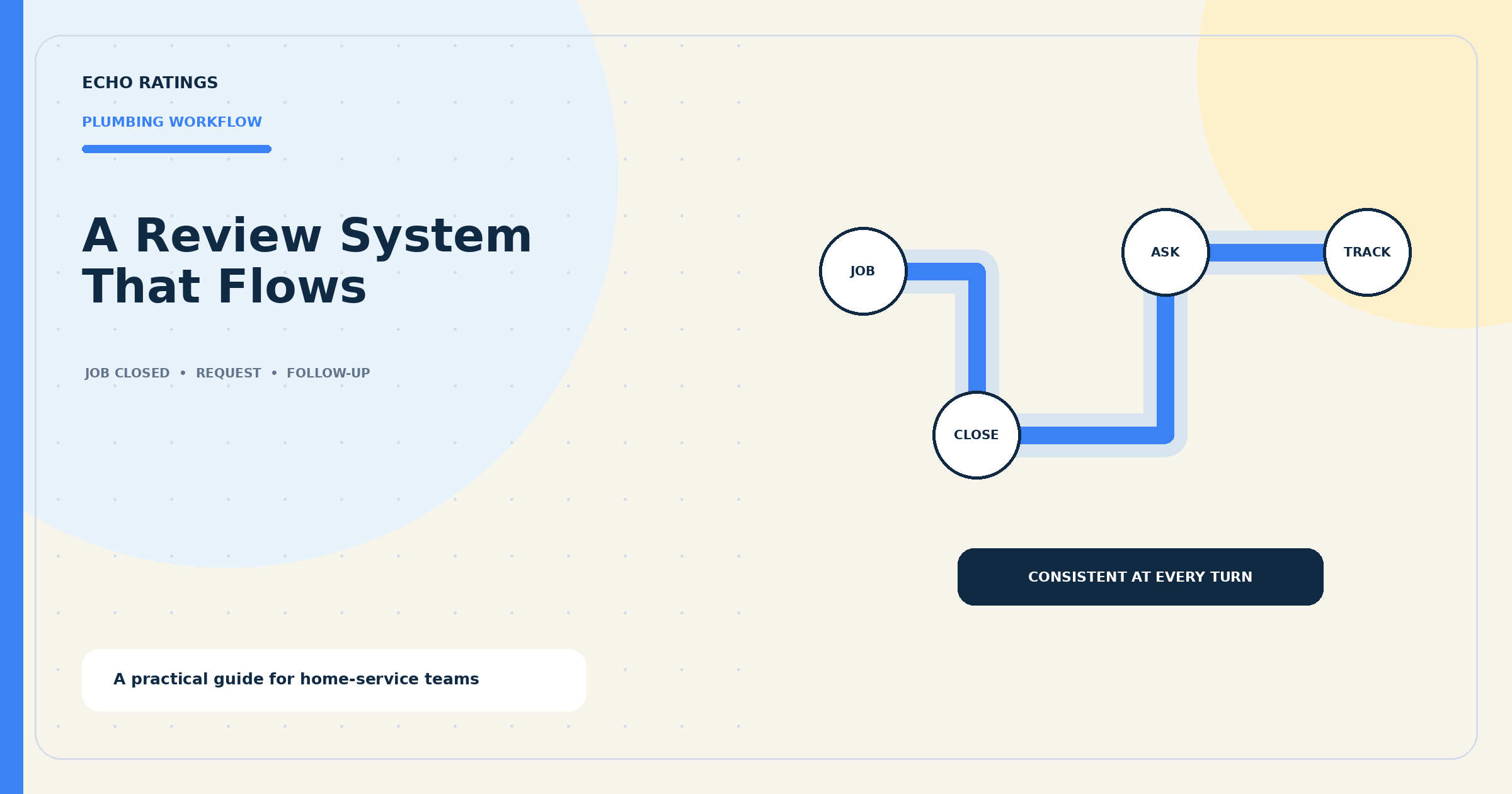
A seven-step review request workflow for plumbing companies
1. Use one reliable completion status
Choose a specific status such as “completed—customer informed” rather than relying on free-form notes. The technician or dispatcher should apply it only after the work and customer handoff are finished. If your software has several completion labels, map them to one review-eligible outcome.
2. Route customers to the correct review profile
Use the direct Google review link for the location that performed the work. Google explains how to create a review link or QR code from a Business Profile. Test the link on a phone before adding it to messages. Multi-location companies should map each service territory or branch to the right profile so reviews do not accumulate on the wrong listing.
3. Make the technician handoff brief
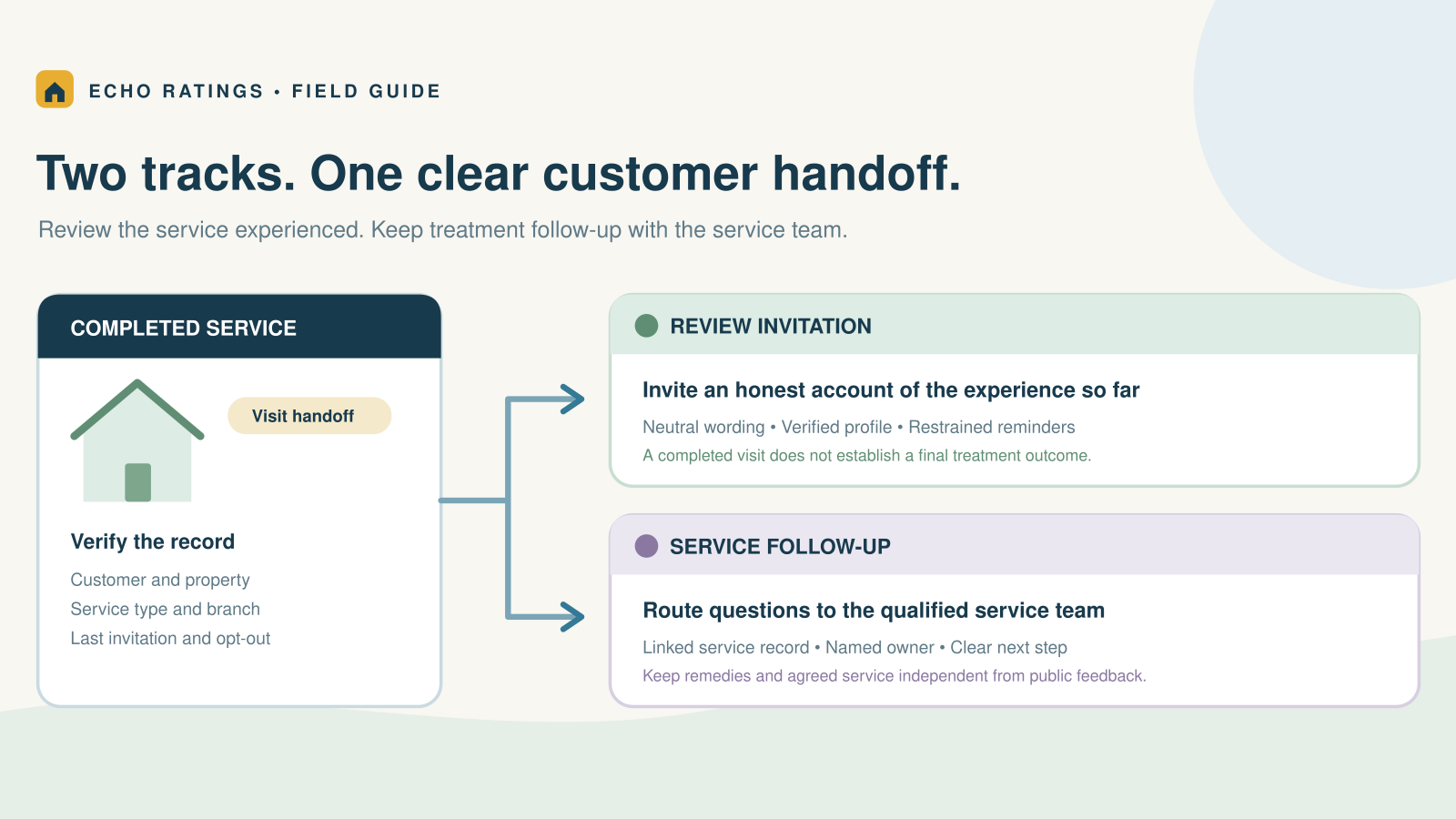
The technician does not need to ask for a particular rating. A simple expectation works: “The office may send a short link where you can share honest feedback about today’s visit.” This explains the upcoming message without pressuring the customer at the door.
4. Time the first request around the job
For most same-day repairs, send the first request after the job is closed and the customer has had a little time to confirm the result. For installations and multi-day work, wait for the final completion event. Avoid late-night messages, active emergencies, and requests sent before the technician’s notes or invoice are finalized.
5. Keep the message neutral and recognizable
Name the plumbing company, mention the completed service in general terms, and provide one clear link. Do not ask for “five stars,” promise a reward, or imply that only positive feedback belongs on Google.
Example SMS: Hi [First Name], thank you for choosing [Plumbing Company] for your recent service. If you have a moment, would you share your honest experience? [Review Link] Reply STOP to opt out.
Example email subject: How did your plumbing service go?
Example email: Thanks for trusting [Plumbing Company] with your recent service. Your feedback helps our team understand what went well and where we can improve. You can share an honest Google review here: [Review Link].
Our Google review request templates for home-service businesses include more message variations that can be adapted without changing the neutral intent.
6. Use one restrained reminder
If the first message is delivered but receives no action, one reminder several days later is usually enough. Do not send repeated requests after the customer reviews, opts out, complains about the messaging, or reopens the service issue. A reminder should feel like a courtesy, not a campaign.
7. Build clear stop conditions
Stop the sequence when a review is recorded or reported, the contact opts out, delivery repeatedly fails, the job is reopened, or the office flags the record for manual handling. Suppression rules prevent awkward duplicates and reduce unnecessary messages.
Use QR codes as a backup—not the entire system
Google also allows businesses to share a review QR code, including on receipts and in thank-you materials. A QR code can be useful on leave-behind cards or invoices, but it should support the post-service workflow rather than replace it. Printed materials get lost, and customers cannot scan a code displayed on the same phone they are using. A tested direct link in a properly timed message is usually easier to act on.
Decide who owns each part of the process
A consistent system needs named owners even when most steps are automated.
- Technician: Confirms the work is complete, explains the result, and applies the correct job status.
- Dispatcher or office manager: Reviews exceptions, corrects contact information, and handles reopened jobs.
- Marketing or operations lead: Maintains templates, review links, location routing, and reporting.
- Owner or service manager: Reviews trends, approves policy changes, and makes sure requests remain neutral.
Automation should remove repetitive work without hiding operational mistakes. Our guide to automating Google review requests after a service call explains how to connect completion events, delays, reminders, and suppression logic.
Handle manual, imported, and automated workflows consistently
A small plumbing company can begin with a daily completed-jobs list and a controlled message template. A larger team may use a field-service platform, scheduled file import, or review-management software. The channel matters less than the rules: one source of truth, one eligibility definition, correct location routing, and dependable stop conditions.
When evaluating software, confirm that it can separate locations, recognize duplicate contacts, record delivery and opt-out events, pause reopened jobs, and give the office a way to review exceptions. Echo Ratings is designed to help local teams request reviews, follow up consistently, monitor feedback, and manage responses from one workflow. Explore the Echo Ratings product or compare plans and outreach limits when you are ready to move beyond a manual process.
Track the metrics that reveal process problems
Review count alone cannot tell you why a program is working or failing. Track operational measures alongside public outcomes:
- Eligible completed jobs
- Requests attempted and successfully delivered
- Median time from job completion to first request
- Reminder volume
- Opt-outs, complaints, and delivery failures
- New review volume by location
- Review-response coverage and response time
Look for gaps. If many completed jobs never become eligible, technicians may be using the wrong status. If delivery failures rise, the office may be collecting inaccurate contact information. If the same customer receives multiple requests for related visits, the duplicate and project rules need adjustment.
Respond to the reviews the system generates
Requesting feedback is only half of review management. Google recommends replying because helpful responses show that a business values customer feedback. Monitor new reviews, acknowledge positive comments without using a canned paragraph, and handle critical feedback calmly. Do not share job details, addresses, payment information, or anything else that could identify the customer beyond what they posted publicly.
For negative feedback, thank the reviewer, acknowledge the concern without arguing, and move the detailed conversation to a private channel. Then review the job record internally. Patterns across reviews—communication delays, arrival windows, cleanup, pricing explanations, or recurring repair issues—can become operational improvement projects.
Audit the workflow by job type and location
Once a month, sample a few emergency calls, standard repairs, installations, warranty visits, and canceled jobs. Verify that eligible customers received the correct message, ineligible records were suppressed, and every link opened the intended profile. Multi-location companies should also compare routing and delivery performance by branch instead of looking only at company-wide totals.
Compliance safeguards for plumbing review requests
Do not use review gating
Review gating happens when a business directs happy customers to a public review site while sending dissatisfied customers somewhere private. Avoid any workflow that uses a survey score, technician judgment, payment outcome, or complaint flag to decide who receives the Google link. You can offer a private support channel, but it should not replace an eligible customer’s opportunity to leave an honest public review.
Google says reviews must reflect genuine experiences and prohibits incentives such as free or discounted goods or services in exchange for reviews. Its guidance also encourages businesses to value balanced feedback. The Google tips for getting more reviews are a useful reference for staff and managers.
Avoid incentives and deceptive solicitation
The FTC advises businesses not to ask only customers expected to leave positive reviews. Its review-solicitation guidance also explains the risks of incentives, insider reviews, and requests from people who did not genuinely use the service. The FTC’s Consumer Reviews and Testimonials Rule Q&A provides additional detail about deceptive review practices and review suppression.
Respect text-message consent and opt-outs
Review texts must fit your consent, messaging, carrier, and legal requirements. Identify the sender, provide a clear opt-out method, and honor opt-out requests promptly. The FCC states that consumers may revoke consent to robocalls or robotexts in any reasonable manner, even after previously providing consent. Review the FCC’s current robotext and opt-out guidance with qualified counsel before launching an automated SMS program.
This article provides general operational information, not legal advice. Requirements can vary by message type, technology, consent language, carrier rules, and jurisdiction.
A practical 30-day rollout plan
Week 1: Map the plumbing workflow
List your job types, completion statuses, locations, contact sources, and common exceptions. Choose the exact status that makes each service eligible and document when warranty or multi-visit work should pause.
Week 2: Build and test
Create the neutral SMS and email templates, add the direct review link for each location, set a reasonable delay, and configure one reminder. Test every path with internal records before contacting customers.
Week 3: Train the team
Give technicians a one-sentence handoff, show dispatchers how to manage exceptions, and assign one person to review delivery and opt-out events. Training should emphasize honest feedback—not a target star rating.
Week 4: Review the first results
Compare eligible jobs with delivered requests, inspect exceptions, and confirm location routing. Fix process gaps before increasing volume. The most reliable system is the one your team can operate correctly during both normal weeks and emergency-call surges.
Frequently asked questions
When should a plumber ask for a Google review?
After the promised work is complete, the result has been explained, and the customer has had a reasonable chance to confirm the repair. For multi-day or warranty work, wait until final resolution.
Should the technician ask in person?
A brief, neutral handoff is helpful, but the technician should not request a particular rating or pressure the homeowner. Let the company’s follow-up message provide the direct link.
How many reminders should a plumbing company send?
One restrained reminder is a practical starting point. Stop immediately after an opt-out, complaint, reopened job, or confirmed review, and monitor whether reminders create frustration.
Can a plumbing company ask only satisfied customers?
No. Selecting customers based on predicted sentiment creates review-gating risk and produces a misleading picture. Use objective job-completion rules for every eligible customer.
What if the customer has several plumbing visits?
Treat related visits as one service episode when possible. Wait until the issue or project is resolved, then send one request rather than asking after every appointment.
Turn completed plumbing jobs into a dependable feedback process
A strong plumber review request system is not aggressive. It is predictable: the right completed job, the correct customer and location, a neutral message, one reasonable reminder, and firm stop rules. That structure helps the business collect more representative feedback while giving the office a clearer view of customer experience.
See how your current reputation compares with nearby competitors using the free Echo Ratings reputation audit. When you are ready to systemize requests and follow-up, you can start a 14-day trial or book a walkthrough.