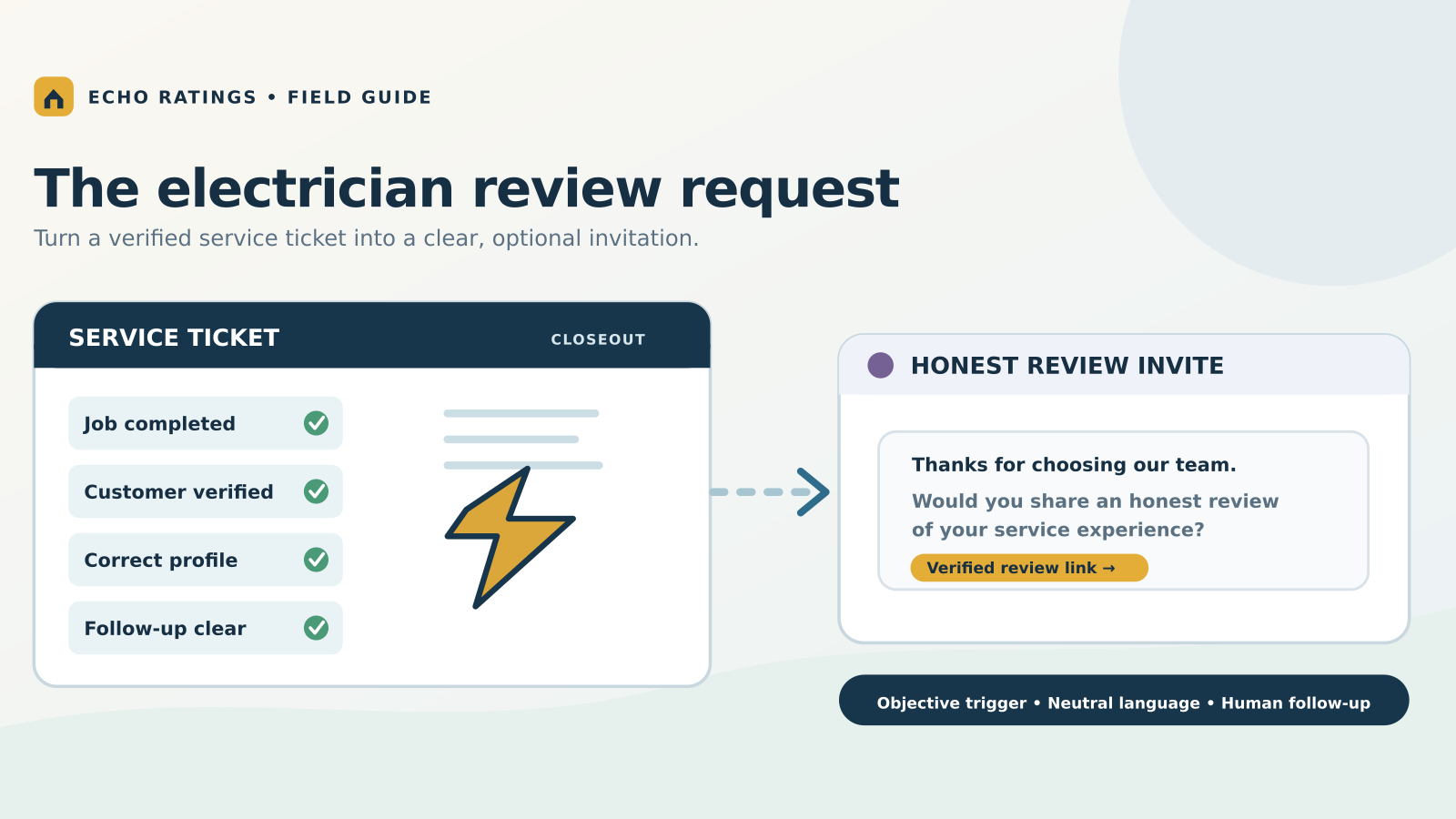
An electrician's review process starts with the service record
An electrical company can finish several kinds of work in the same week: a short troubleshooting visit, a panel replacement, an EV charger installation, and a project that requires an inspection or a return trip. A generic “send after appointment” rule treats all four as complete at the same moment. That creates awkward requests when the customer is still waiting for a quote, permit sign-off, final testing, or a promised follow-up.
A better review request system uses a defined completion event for each job type. The event should be recorded in the field-service or scheduling system, confirmed by the office when necessary, and applied to every eligible customer under the same rules. Google allows businesses to ask customers who had a genuine experience for reviews; its official review guidance recommends a direct review link or QR code and values honest, balanced feedback.
This guide shows an electrician how to turn service records into a consistent request and response process. It builds on the broader home-service Google reviews guide with decisions specific to electrical work.
Choose a completion trigger for each electrical job
The trigger should represent a real customer experience, not a technician's impression of whether the customer is pleased. Document what must be true before a request is queued:
- Troubleshooting or repair: The electrician completed the visit, documented the diagnosis and work, and communicated any unresolved safety or follow-up issue.
- Installation: Work and functional checks are complete, the customer has received a handoff, and remaining permit or inspection steps are clearly explained.
- Multi-visit project: The agreed customer-facing scope is complete. Avoid requesting a review after the first visit when the most important work is still pending.
- Estimate or inspection only: Ask only if a meaningful service was actually delivered, such as a paid diagnostic or completed inspection with findings. A person who merely requested a quote is not a completed-service customer.
- Warranty or callback: Close the follow-up work and document the outcome before sending a new request. Apply a duplicate rule so one project does not generate repeated invitations.
A simple trigger might be: “Job status is Completed, field notes are present, and the office has confirmed no required return visit remains.” Customize it to the way the business actually operates. If the record is ambiguous, queue it for review instead of guessing.
Verify which Google profile the customer should review
Electrical contractors often travel to customers. Google's Business Profile representation rules distinguish service-area businesses from staffed storefronts and explain when separate staffed locations can have separate profiles. Use the verified profile that legitimately represents the team that served the customer. A technician's home, temporary job site, or rented mailing address is not a shortcut to another profile.
Store the profile and review-link mapping against a stable location or team identifier. Test every direct link on a phone while signed out. If a job moves between branches, confirm the final owner before the request goes out. The multi-location review management guide covers that routing in detail.
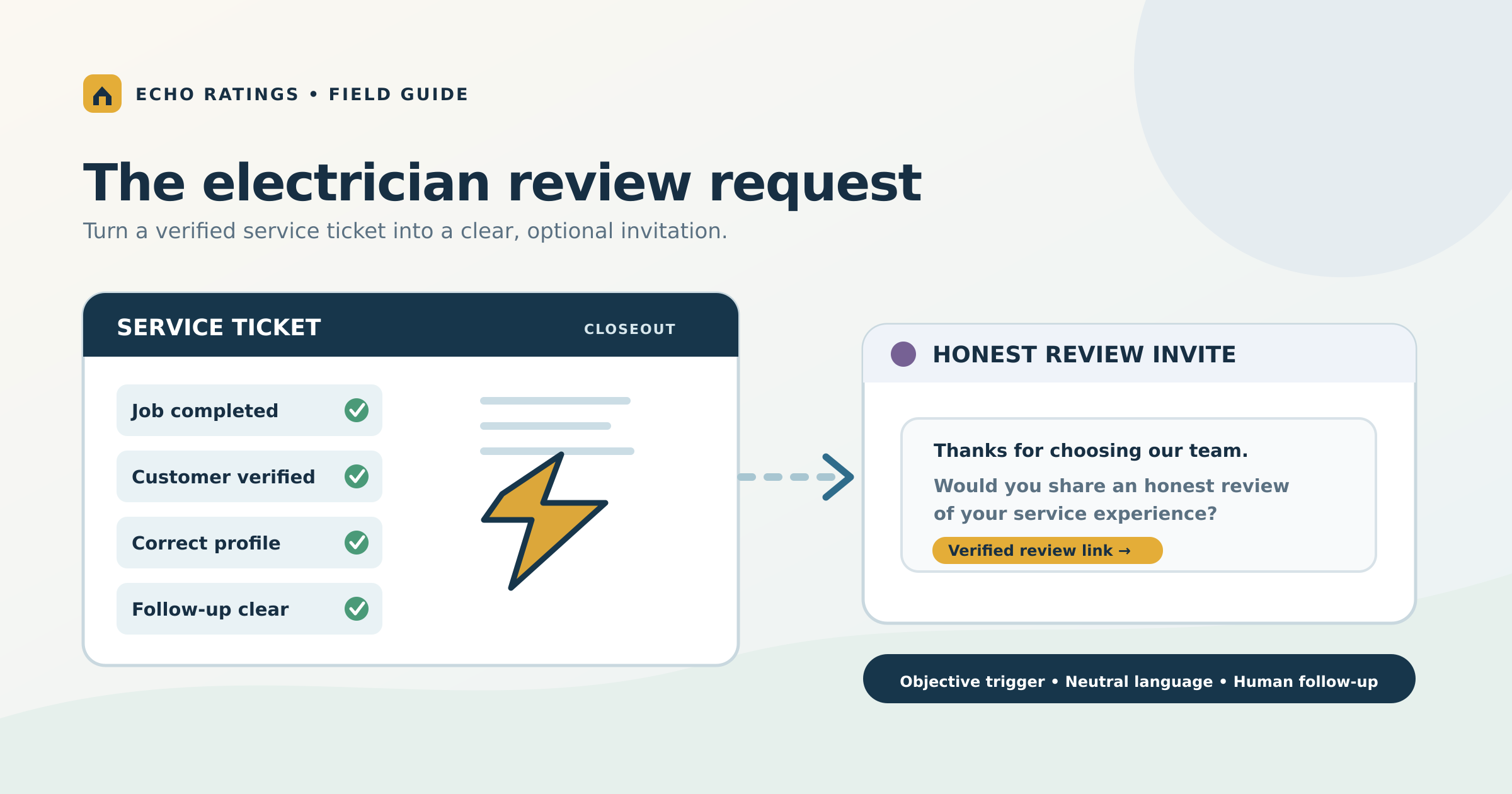
Build a service-ticket handoff the office can trust
The most useful automation does not begin with a message template. It begins with a short set of fields that make the send decision reliable. Require the field team or dispatcher to capture the job ID, customer contact, service type, completion time, serving branch, work status, and any open follow-up. The office should be able to see why a request was sent or held without reconstructing a text chain.
Separate operational exclusions from sentiment filters
Reasonable exclusions include canceled work, test records, duplicate contacts, an invalid address or number, a prior opt-out, and a job that was not completed. A predicted low rating is not an operational exclusion. Neither is a technician's preference to ask only customers who praised the visit.
Google's Maps review policy says merchants may not discourage negative reviews or selectively solicit positive ones. It also prohibits attempts to influence review content or rating. Use the same neutral eligibility rule for every customer who received the defined service. The Echo Ratings article on review gating shows how hidden sentiment branches can enter an otherwise ordinary workflow.
Choose the send window around the customer experience
For a straightforward completed repair, a request after the customer has received the invoice and work summary may feel natural. For an installation, wait until the customer handoff and any agreed closeout step is complete. Use the customer's local time and the contact permissions recorded for the job. If there is a service emergency or an unresolved safety concern, move the record to a documented human queue.
Do not use the review request as a substitute for the completion call. The customer should already know what was done, what remains, and how to get help.
Write a neutral message with one clear link
Google's instructions for creating a review link or QR code explain how to copy a direct link from the Business Profile and share it in a thank-you email or other customer communication. Keep the invitation brief, identify the business, and ask for an honest account of the experience.
Text example: “Hi Alex, thank you for choosing Northline Electric. Your service visit is complete. If you have a moment, would you share an honest review of your experience? [verified review link]”
Email example: “Thank you for inviting Northline Electric to work on your home. We hope the completion summary answered your questions. If you would like to share your experience with our team, you can leave an honest review here: [verified review link].”
These are illustrative templates; replace the company name and link with verified business details. The home-service review request templates offer more variations, and the Google review link guide shows how to validate the destination.
One polite reminder is a sensible starting point if the customer has not responded and has not opted out. Stop after a review, opt-out, failed delivery, or your documented reminder limit. See the guide to automating requests after a service call for trigger and stop rules.
Handle concerns without steering the public feedback
Electrical work can involve a serious concern: a breaker still trips, a fixture fails again, the schedule changes, or a homeowner does not understand the next step. Give that issue a service owner immediately. The service-recovery path should investigate and resolve the concern on its own merits, regardless of whether a review has been posted.
Keep review invitations free of compensation or promised benefits, and keep service recovery separate from public feedback. Google's current Maps content policy expressly bars incentives for review activity. The FTC's Consumer Reviews and Testimonials Rule Q&A explains related federal rules on fake reviews, sentiment-conditioned incentives, insider reviews, and suppression. Platform policy and law are separate requirements; the campaign must satisfy both.
Keep a small exception log with a reason code, owner, date, and resolution. A broad “open complaint” exclusion can quietly become selective solicitation if it suppresses every dissatisfied customer. For sensitive matters involving safety, litigation, privacy, or insurance, have a manager review the communication and document the decision.
Reply to reviews with verified facts and privacy in mind
Google's review-management guidance explains that verified businesses can reply to reviews and that replies are public. A useful reply acknowledges what the customer actually said and offers a practical next step when needed.
Routine praise
Thank the customer and mention one detail in the review, such as clear explanations or punctual arrival. Do not claim a specific installation or safety outcome unless it appears in the review or has been verified in the job record.
Ordinary complaint
Acknowledge the issue calmly and invite private follow-up through the business's normal contact path. Do not publish the customer's address, invoice amount, equipment details, electrical fault, or other private job information.
Safety or legal concern
Pause the routine response and escalate to a qualified manager. Check the records and decide what can safely be said in public. The negative-review response guide provides a fuller triage process.
If a review appears to violate platform policy, use Google's reporting process. A critical rating alone is not a policy violation, and removal is not guaranteed.
Measure the process that creates the reviews
Do not reduce the program to an average star rating. A monthly review should compare eligible completed jobs with requests sent, delivered, suppressed, and failed. Check time to send, correct-profile routing, opt-outs, new review volume, response coverage, and unresolved service cases. Review comments for recurring issues in arrival windows, explanations, cleanup, estimates, and follow-through.
For a one-truck business, a simple exception list may be enough. For a larger contractor, a shared inbox and role-based reporting can make missed handoffs visible. The contractor software evaluation guide offers questions to ask when comparing tools.
Launch with a two-week pilot
Days 1–3: Define the rules
List each job type and its completion event. Decide who verifies exceptions, how duplicate jobs are recognized, which contacts are eligible, and which profile belongs to each location. Write the rule in plain language so dispatch, field staff, and managers interpret it the same way.
Days 4–6: Test the actual customer path
Generate the review link from the verified profile, test it on mobile, and preview the text and email with real character counts. Create test records for a completed repair, estimate only, multi-visit install, canceled appointment, warranty callback, opt-out, and ambiguous branch. Confirm each one is sent, held, or suppressed for the intended reason.
Days 7–14: Run one team and inspect every exception
Start with one location or dispatch group. Compare the daily completion report with the request log. Sample messages for correct names, timing, links, and tone. Check that no one is manually choosing recipients by expected rating. Review replies and service tasks together so public responses match the actual follow-up.
When the pilot works, document the settings and expand. Recheck them after adding a new branch, changing dispatch software, moving a profile, or revising the completion status.
Frequently asked questions
Can an electrician ask for a review before the permit inspection?
It depends on what the company promised as part of the job and what the customer has experienced. If the customer's project is still materially incomplete, wait. If the customer-facing work is complete and a separate administrative inspection remains, explain that status clearly and use a consistent written rule.
Should emergency electrical calls get a different template?
The wording can acknowledge the service type, but the request should still be neutral. Avoid pressure immediately after a stressful event. Confirm that the work is complete, the customer has the needed safety information, and any follow-up has an owner.
Can the technician hand over a QR code on site?
Google permits sharing a review QR code, but it says businesses should not pressure people to leave a review while on the premises. A leave-behind card can offer an optional route the customer uses later. Test that the code opens the correct profile.
How many reviews should each electrician collect?
A fixed per-person review quota can encourage pressure or selective asking. Measure whether eligible jobs received the request under the documented rule, and use customer feedback to improve service. Google specifically cautions against staff solicitation quotas in its Maps policy.
What if a customer reports a problem after the invitation?
Route the problem to a service owner and stop any queued reminder under the documented rule. Help the customer without making their public review part of a bargain. Respond to a posted review only after verifying the relevant facts.
Make review requests a dependable part of job closeout
For electricians, the durable process is straightforward: complete the work, verify the service record, send the correct profile link to every eligible customer, and respond with care. A consistent workflow gives the customer a fair chance to describe the experience and gives the business useful signals about its service.
Explore Echo Ratings for a practical way to organize review requests, monitoring, and responses. You can compare plans, start with a free reputation audit, try Echo Ratings, or book a walkthrough.
This article provides general operational information, not legal advice. Review messaging consent, privacy, advertising, and platform requirements with qualified advisors for your business.